Get the SK WEBTECH app
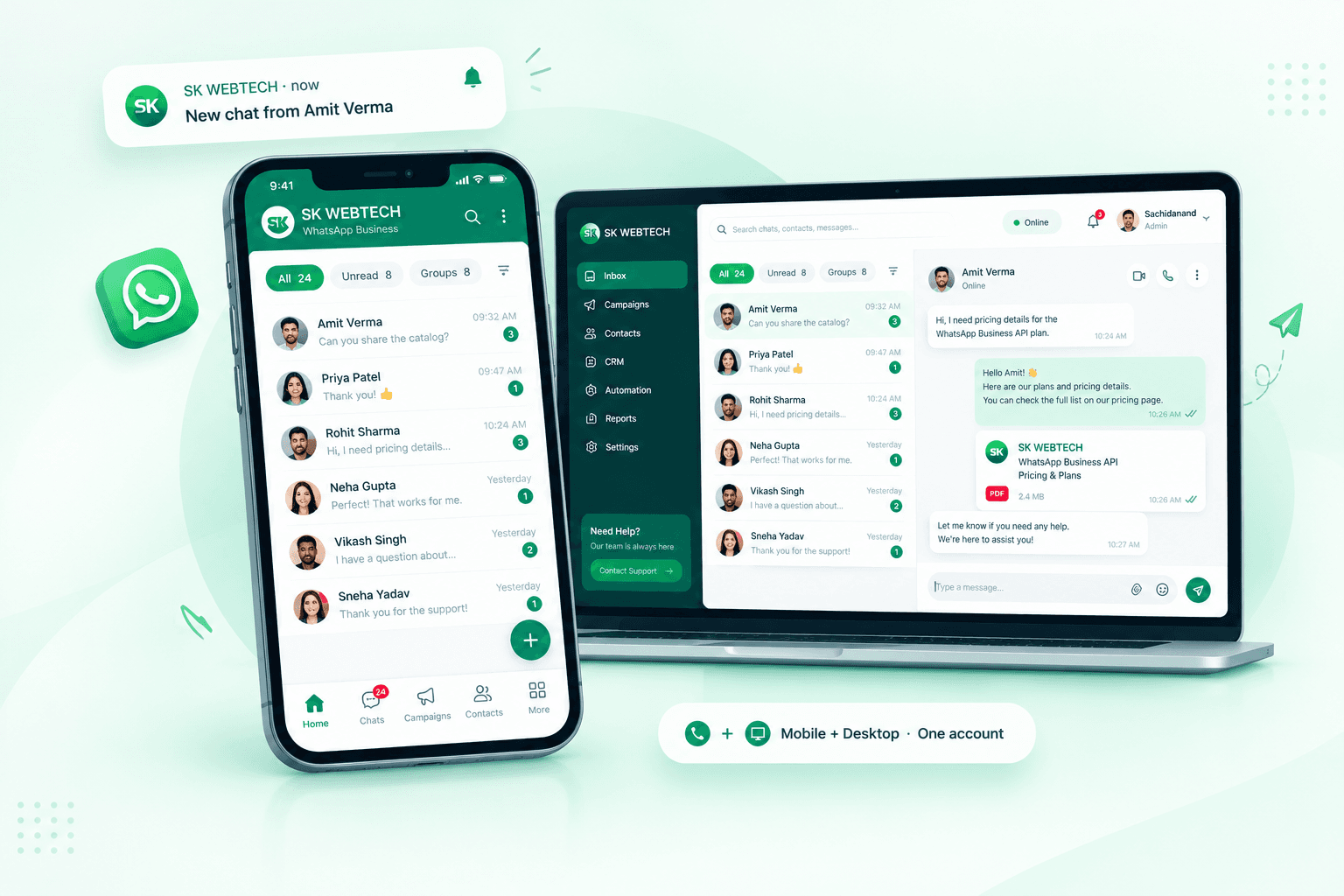
No app store needed — install it straight from the browser in one tap. Your inbox, campaigns and calls open full-screen from an icon on your home screen, and you get notified the moment a customer messages or calls.
Push notifications
New messages, calls
Opens instantly
Full-screen, no browser bar
Light & fast
No store download
Any device
Phone, tablet, PC
The one that rings
The installed Android app is the full thing: a WhatsApp call lights up your locked screen and rings, and it keeps ringing while the app is closed. The browser version cannot do that.
Version 1.0.0 · 40 MB · Android 8 and up
Installing it
- 1Tap Download APK. Chrome will ask whether to keep the file — keep it.
- 2Open it. Android asks for permission to install apps from Chrome this once; allow it.
- 3Open SK WEBTECH, log in, and allow notifications, microphone and the call screen when asked.
It is not on the Play Store yet, so Android calls it an unknown app. The file is served from this site over HTTPS.
Three taps, any device
Your device is listed first. After installing, log in once — you stay signed in.
Windows / Mac (Chrome, Edge)
Your device- 1Open wa.skwebtech.in in Chrome or Edge
- 2Click "Install app" — or the install icon in the address bar (Edge: Apps → Install)
- 3SK WEBTECH opens in its own window; pin it to the taskbar / dock
Android (Chrome)
- 1Open wa.skwebtech.in in Chrome
- 2Tap the "Install app" button — or Chrome menu ⋮ → "Install app" / "Add to Home screen"
- 3Open SK WEBTECH from your home screen and turn on notifications (🔔)
iPhone / iPad (Safari)
- 1Open wa.skwebtech.in in Safari
- 2Tap the Share button, then “Add to Home Screen”
- 3Open SK WEBTECH from the home screen and allow notifications from the 🔔 icon
Notifications need to be turned on per device from the 🔔 icon. Need help? Contact support.
Scan to open it on your phone
Point your phone's camera at the code — this page opens there, ready to install. Same account on every device.
https://wa.skwebtech.in/app
New to SK WEBTECH? Start free
Create your workspace on the web, then install the app on every device your team uses.